


公司简介COMPANY PROFILE
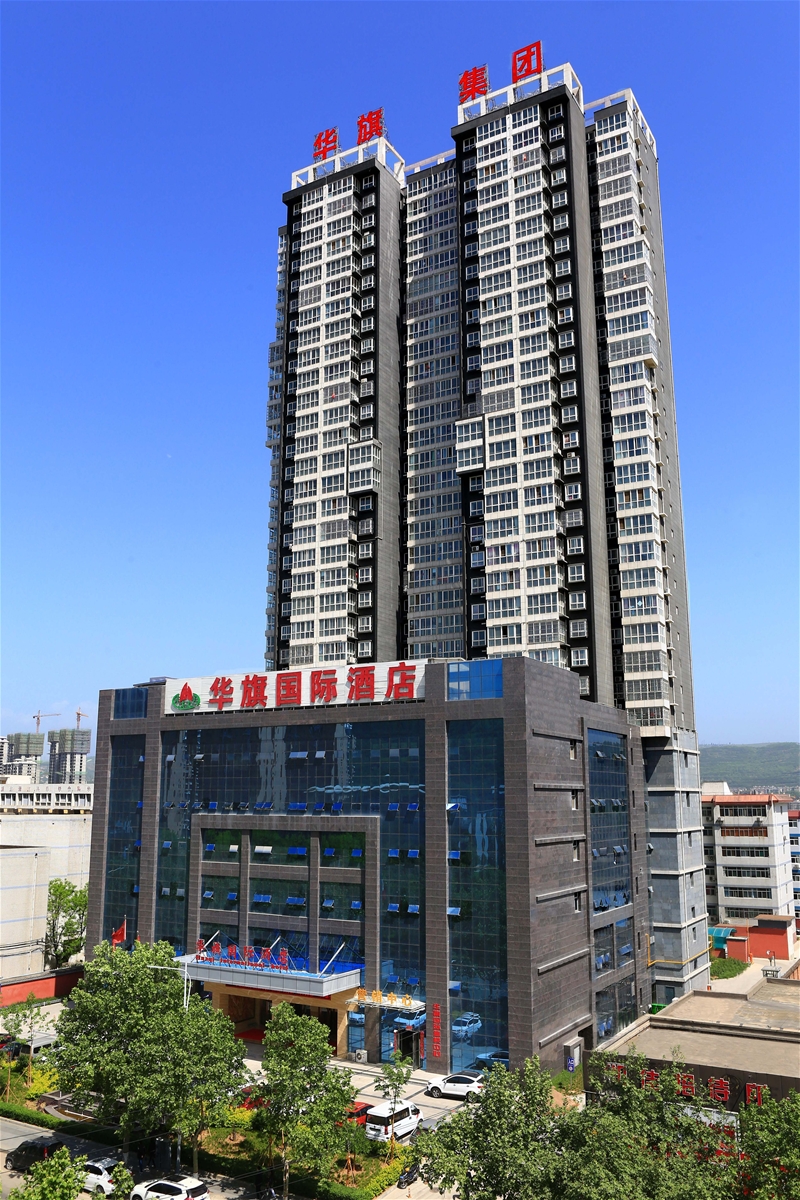 |
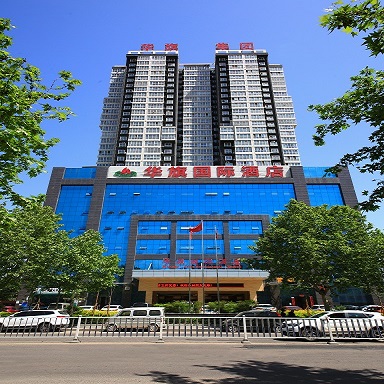
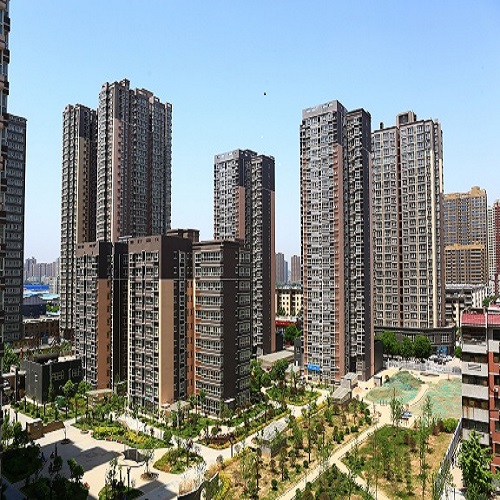
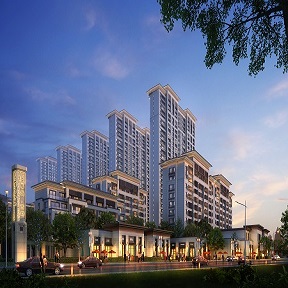
西部华旗建设(集团)股份有限公司(简称“西部华旗建设集团”),位于宝鸡市姜谭路66号华旗大厦。前身为解放军军事科学院宝鸡建安工程处,始建于1987年。后发展壮大,更名为军科院西北华旗建筑工程公司,1999年脱离军科院领导,被划归陕西省人民政府管理。2002年实行股份改制,更名为西部华旗建筑工程股份有限公司。历经十年跨越式发展,于2012年组建成立集项目投资、房地产开发、工程施工、设备安装、建材生产、物业服务、商贸金融、酒店餐饮为一体,总资产达10亿多元的现代化企业集团——西部华旗建设集团。集团目前拥有房建施工总承包一级,房地产开发、市政、园林古建筑、消防、钢结构、桥梁工程、建筑幕墙二级及对外承包工程资格等多项资质。其中,经住建部批准,在宝鸡市民营建筑企业中最早一批获得房建施工总承包一级资质;经商务部批准,在全国民营企业中首家取得中华人民共和国对外承包工程资格证书。 集团机构健全合理,管理理念先进。总部机关设有董事会、监事会、经理办公会、党委、工会、集团办公室、企业管理部、人力资源部、财务财产部、监察审计部、党群工作部等多个机构和职能部门。集团旗下拥有西部华旗建设集团建筑工程有限公司、陕西青山置业有限公司、陕西华旗房地产开发有限责任公司、陕西设备安装有限公司、陕西商贸有限公司、宝鸡华旗物业管理有限公司、宝鸡市渭滨区华旗小额贷款有限责任公司、华旗国际酒店等八大直属子公司。早在2000年,集团就顺利通过了美国贝尔公司ISO9002国际质量体系认证,2003年12月又顺利通过北京联合智业认证有限公司质量、环境、职业健康安全管理体系认证。 集团技术力量雄厚,施工设备齐全。现有职工327人。其中,各类专业技术人员250余人,具有高、中级技术职称人员120余人。集团现拥有可承建各类大、中型工程施工机械设备800余台(件)。 集团经营理念超前,市场开拓广泛。以陕西省会城市西安和注册地城市宝鸡为主阵地,坚持省内、省外并重,国内、国外并举的经营方针,先后在陕西宝鸡、咸阳、西安,甘肃天水,江苏苏州等国内大中型城市和缅甸、阿联酋、佛得角、泰国等地开发和施工建设了一大批重点工程项目,取得了良好的经济效益和社会效益。在西安市区黄金地段胡家庙一、二村已开发建设的“华旗·东郡”项目总面积达70多万平米,为西安市重点城中村改造项目。正在开发建设的,位于宝鸡市区高家村的“华旗·西郡”项目,占地400亩,总建筑面积60余万平方米,建成后将会是宝鸡最佳人居环境居住小区。承建的苏州望湖宾馆项目被石油部评为优良工程,承建的宝鸡上马营铁路高层住宅工程被评为陕西省优质工程“长安杯”,承建的中国驻缅甸大使馆公寓楼等多个涉外工程被外交部评为优良工程。 集团公司先后荣获“全国优秀施工企业”、“中国质量、服务、信誉AAA级企业”、“陕西省先进建筑企业”、“陕西建筑业最具成长性五十强企业”等荣誉称号。集团下属建筑公司现为中国建筑业协会项目管理委员会副理事长单位,陕西省建筑业协会、宝鸡市建筑业协会副会长单位。 伴随着华旗大厦的落成,西部华旗建设集团全体干部职工在集团领导班子带领下,站在新起点,把握新常态,抢抓新机遇,展示新作为,聚力新突破,谋求新跨越,努力向着西部一流企业的目标——上市公司迈进。
地址:宝鸡市姜谭路66号 电话:(0917)3390638 传真:(0917)3390638 邮编:721008 网址:www.brettlonsdale.com |



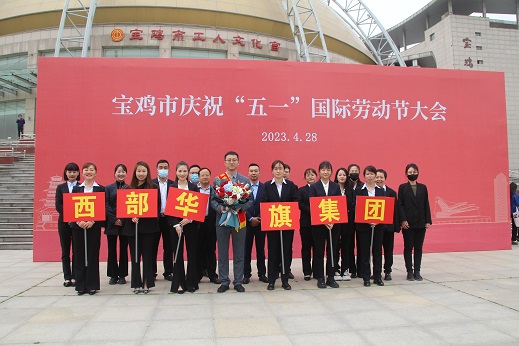
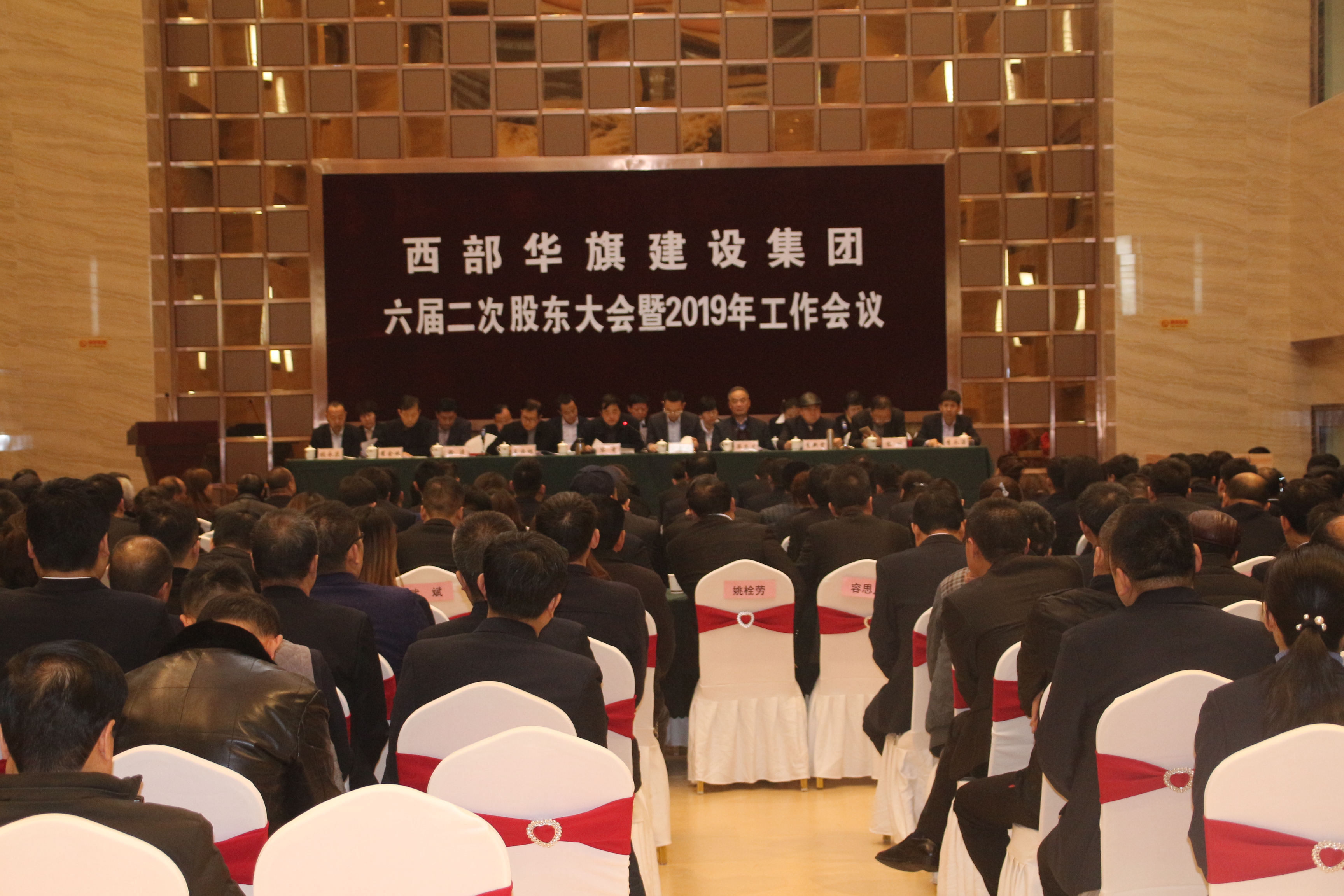
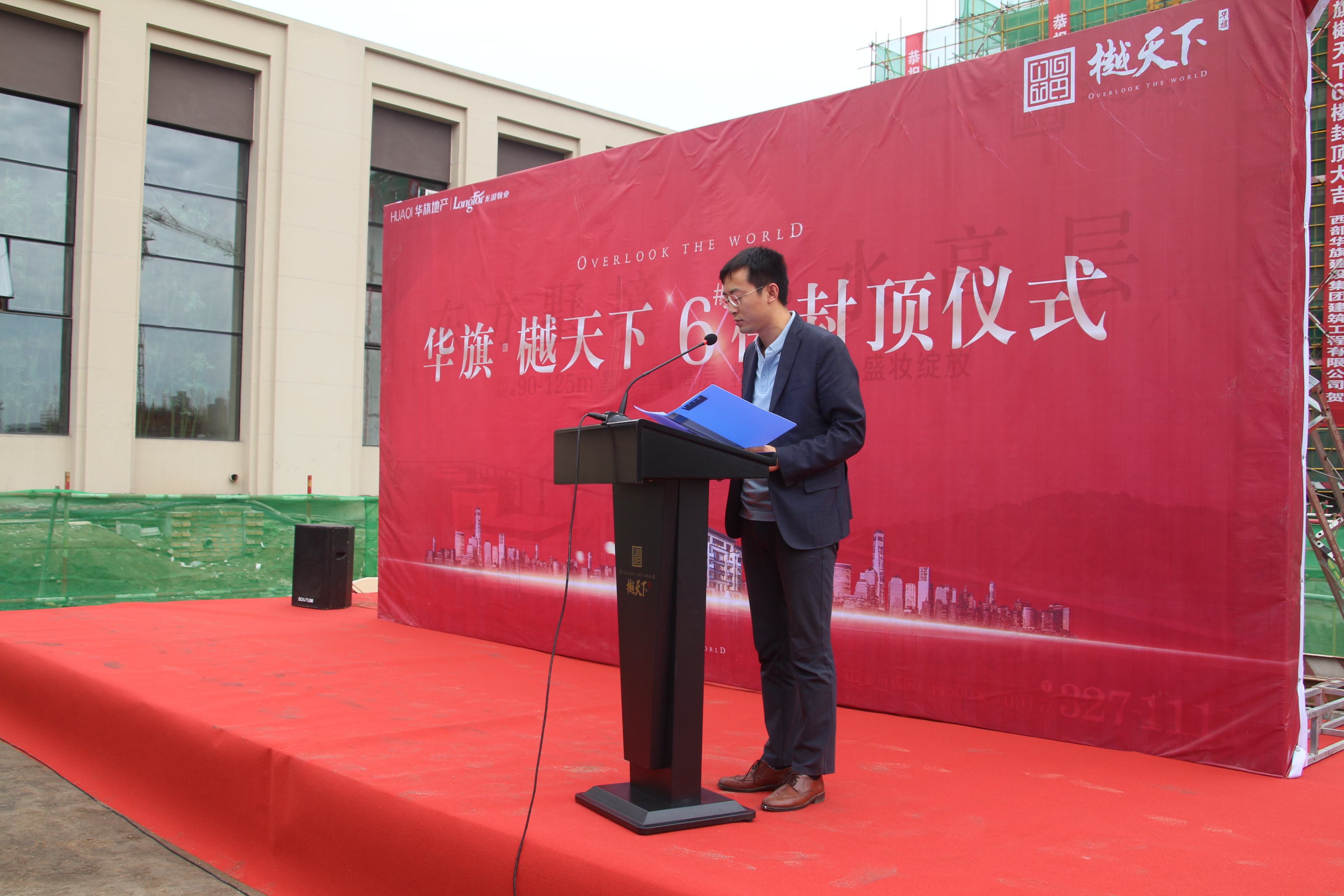
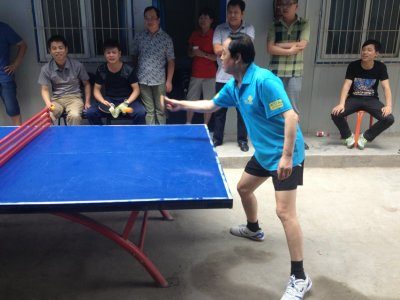
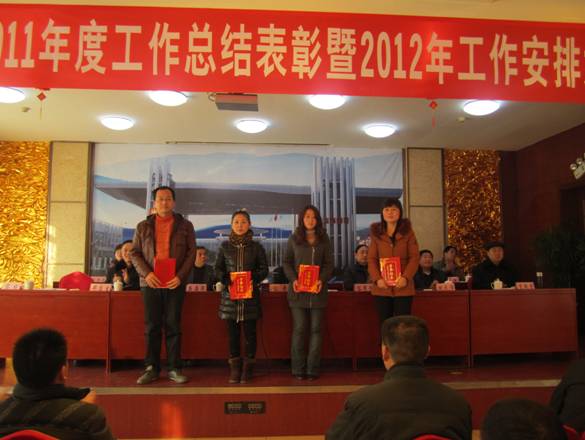
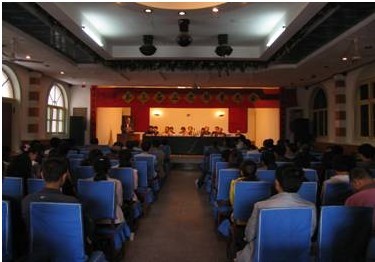
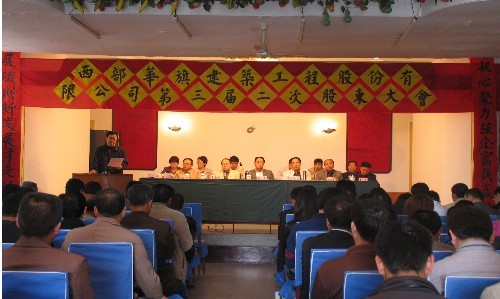
- 2023-05-18·集团领导容亚龙喜获“宝鸡市五一劳动奖章”
- 2023-07-28·集团公司召开2023年第三季度经营例会
- 2023-07-18·集团公司召开2023年第三次经理办公会议
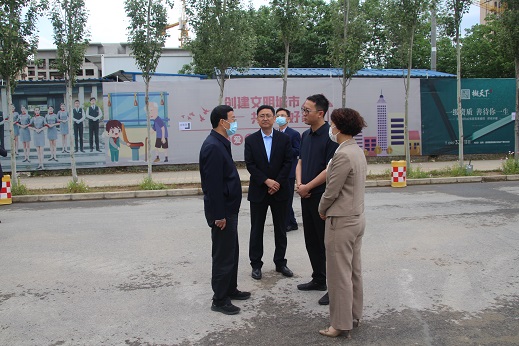
- 2023-08-18·宝鸡市、渭滨区领导多次到渭滨一中学校项目调研指导工作
- 2023-03-18·集团公司召开2023年工作会议
- 2018-11-18·施工现场管理迈入智能时代
- 2018-01-04·BIM有了国家和陕西省地方标准
- 2013-12-17·深化改革措施给力 民企发展迎来春天
- 2013-09-16· 国务院印发《关于加快发展养老服务业的若干意见》
- 2013-09-13·王宁在住房城乡建设部安委会2013年第一次会议上强...
- 2018-01-04·增值税暂行条例作了四方面修改
- 2013-09-29·中华人民共和国城市房地产管理法
- 2013-09-23· 陕西省物业管理条例
- 2013-09-23·中华人民共和国物权法
- 2013-09-18·中华人民共和国道路交通安全法
成员单位MEMBERS OF THE UNIT
|
最新公告LATEST NEWS
经营范围BUSINESS
建筑安装、建筑装潢、物资购销;机械设备租赁、房地产开发;环保工程、园林古建工程、市政工程、公路桥梁工程的施工;木制品、砼构件的加工;餐饮服务;商业商贸。(上述经营范围中国家法律、法规有专项规定的以许可证为准);承包境外房屋建筑工程和境内国际招标工程;上述境外项目所需的设备、材料出口;对外派遣实施上述境外项目所需的劳务人员。